
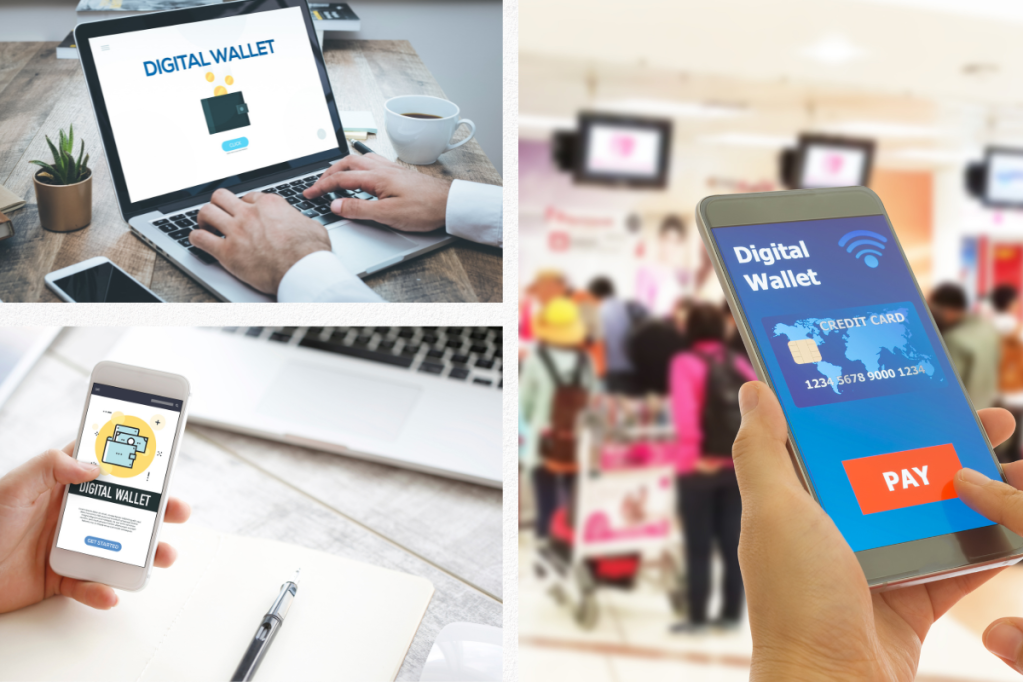
Platforms like Grab have grown in popularity as the globe transitions to using digital currencies. Also, thanks to its wallet function, users may now fill up their Grab accounts in order to pay for activities other than rides and deliveries, such as shopping and bill payments. So don’t worry if you’re unfamiliar with the Grab app or uncertain of how to top up your wallet! We’ll walk you through the straightforward process of how to top up Grab wallet. So read on to find out how it’s done whether you’re a first-time user or want to add additional money to your account!
Introduction to GrabPay Wallet
GrabPay Wallet is a mobile wallet that allows users to go cashless with their payments for Grab services and other transactions. It is a convenient way to keep track of your finances and enjoy seamless top-up options. In this blog, you will learn how to access the ‘Top Up’ feature on the Payments home page, as well as how to use your banking app to top up your GrabPay Wallet. Additionally, you will understand the importance of VPA (Virtual Payment Address) and learn the detailed instructions for top-up using popular mobile banking apps. With GrabPay, making payments has never been easier or more rewarding.
How to access ‘Top Up’ on Payments home page
To start topping up your GrabPay Wallet, you need to access the ‘Top Up’ feature on the Payments home page. Opening the Grab app on your smartphone and pressing on the Payments icon—which looks like a wallet with a “plus” symbol—will quickly do this. Search for the “Top Up” button on the Payments page and click it to access the top-up choices. At this point, you have the option of topping up your account directly or via other tools like debit or credit cards. Topping up your GrabPay Wallet is hassle-free and quick thanks to simple access to the “Top Up” option.
Using your banking app to top up your GrabPay Wallet
Using your banking app to top up your GrabPay wallet is a convenient and easy option. Before proceeding, make sure you have linked your digital banking account to your GrabPay wallet. Once that is done, navigate to the payment and wallet section of your banking app and select the option to transfer funds. Choose the option to transfer to a Virtual Payment Address (VPA) and enter the VPA of your GrabPay wallet. It is important to note that the VPA for GrabPay is separate from your mobile number, so make sure to double-check before proceeding. Once the transfer is complete, the funds will be instantly credited to your GrabPay wallet. This method is especially useful for those who prefer to use online banking options or those who want a quick and hassle-free way to top up their wallet. With this option available, you can easily ensure that you always have enough credits to pay for your Grab rides and other services.
Understanding VPA and its importance
In order to top up your GrabPay Wallet using your mobile banking app, it’s important to understand the concept of VPA (Virtual Payment Address) and its importance. A VPA is a unique identifier linked to your GrabPay Wallet, which allows you to specify your wallet when topping up through PayNow. This means that you don’t have to save or enter your credit/debit card information each time you want to top up your wallet. By simply entering your VPA in your banking app, you can quickly and securely add funds to your GrabPay Wallet. This simple and convenient system makes it easy to manage your finances on the go, without the hassle of carrying cash or cards.
Detailed instructions for top-up using popular mobile banking apps
After accessing the ‘Top Up’ feature on the Payments home page, users can then proceed to top up their GrabPay Wallet using their preferred mobile banking app. To do so, they simply need to enter their Virtual Payment Address (VPA), which is a unique identifier linked to their GrabPay Wallet, as the recipient on their banking app. Detailed top-up instructions are available for various popular mobile banking apps, making the process even easier. By following these instructions carefully, users can rest assured that their GrabPay Wallet will be topped up quickly and securely.
Additional information for top-up through banking app
For additional convenience, Grab allows its users to top up their GrabPay Wallet using their preferred banking app. This method eliminates the need to download and use a separate e-wallet. However, it is important to note that not all banking apps support this feature. Users must first check if their bank allows for money transfers to third-party e-wallets. Moreover, when making a payment, ensure that the correct VPA is entered as this is the unique identifier that links the payment to the intended recipient. It’s always better to double-check the VPA rather than accidentally sending money to the wrong wallet. Remember to stay within the GrabPay Wallet balance limit to avoid declined transactions. By following these additional tips, Grab users can top up their GrabPay Wallet with ease and confidence.
Entering the top-up amount on GrabPay Wallet
After accessing ‘Top Up’ on Payments home page, the user needs to enter the cash-in amount to top-up their GrabPay wallet. There are various options available for the user to top-up their wallet, including bank transfer through apps such as GCash, InstaPay, and many others. Once the user selects the desired mode of payment and enters the amount, they need to review the transaction details before confirming the top-up. The amount entered should be accurate, and any over-payment or under-payment may result in transaction failure or wallet balance discrepancies. Therefore, it is essential to enter the correct top-up amount on the GrabPay wallet to enjoy hassle-free transactions using the platform.
Selecting Cash Wallet for top-up
After choosing the top-up method, the user needs to select the Cash Wallet option on their GrabPay Wallet page. This option is specifically designed for drivers who have cash earnings stored in their wallets. By selecting the Cash Wallet option, drivers can easily transfer their cash earnings into their credit balance, which can then be used to pay for fares, tolls, and other in-app purchases. The process of selecting the Cash Wallet option is straightforward and can be done with just a tap on the screen. However, it’s important to note that once the transfer is complete, the cash earnings cannot be retrieved back into the Cash Wallet. Therefore, drivers should carefully consider their financial needs before opting for this transfer. Overall, selecting the Cash Wallet for top-up is a convenient option for drivers who want to use their cash earnings for in-app purchases.
Important notes to keep in mind while top-up
When topping up your GrabPay Wallet using your banking app, there are a few important things to keep in mind. Firstly, ensure that the VPA entered is correct and linked to your GrabPay Wallet. Secondly, check that there are sufficient funds in your bank account to complete the top-up transaction. It’s also important to note that some banking apps may charge a fee for transactions made to a third party wallet like GrabPay. Lastly, double-check the top-up amount before confirming the transaction to avoid any mistakes. By keeping these important notes in mind, you can successfully top up your GrabPay Wallet and enjoy seamless transactions on the Grab platform.
Conclusion
In conclusion, topping up your GrabPay Wallet is a simple and easy process. There are several ways to do this, including using your banking app or InstaPay for bank transfers. It is also important to understand the significance of VPA, which ensures that your transaction is secure and your personal information is protected. When topping up, it is recommended to double-check the amount you wish to add to your wallet and select the appropriate payment option, such as Cash Wallet. Furthermore, it is essential to keep in mind any additional fees that may apply and any notes provided by the app or bank. Overall, by following the steps outlined in this blog, you can easily top up your GrabPay Wallet and enjoy the benefits of a secure and convenient digital wallet.
 Hey Singapore