
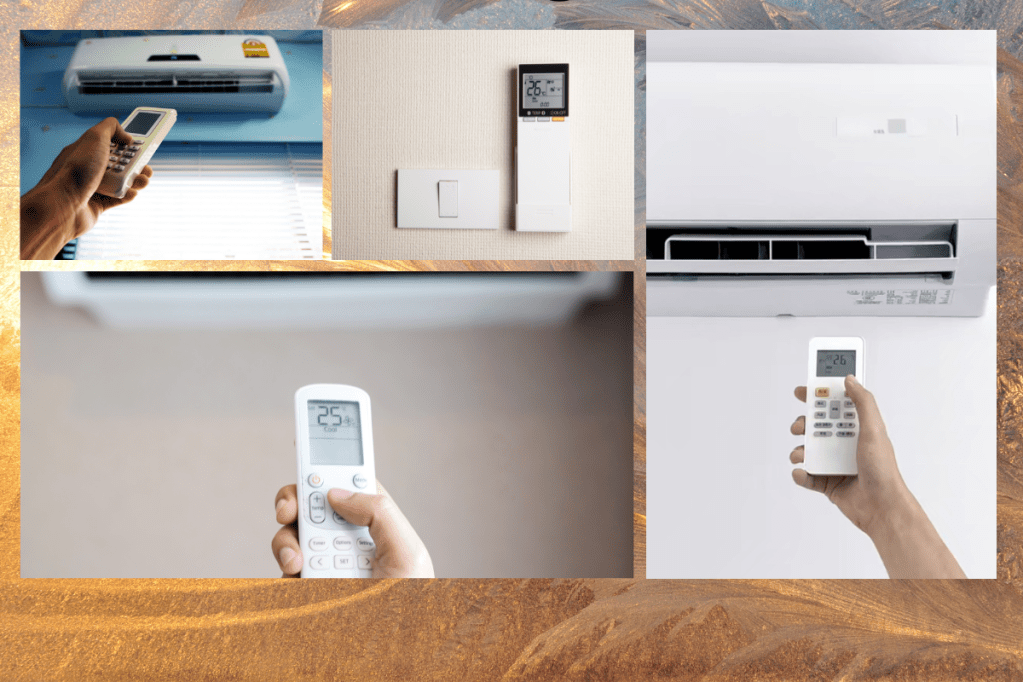
Meta Description: Say goodbye to guesswork with our comprehensive guide to the symbols on your Mitsubishi aircon remote control. Learn about temperature settings, energy efficiency, and troubleshooting tips.
A comprehensive guide to the symbols on your Mitsubishi aircon remote control
For a Mitsubishi air conditioner owner, comprehending the meaning of the complex symbols on the remote control is crucial for optimal unit performance. The Mitsubishi aircon remote control presents an array of intricate icons, which can prove confounding. However, with this detailed guide, the user can decode the Mitsubishi aircon remote control’s symbols and their intended purpose.
First and foremost, the “Power” symbol is the most prominent insignia on the Mitsubishi aircon remote control, adorning the top left corner of the remote. It is depicted by a circular button with a vertical line bisecting it, signifying the on and off functionalities of the air conditioner.
Secondly, the “Mode” symbol is positioned directly below the “Power” symbol, indicating the diverse operating modes of the aircon, such as cooling, heating, dehumidifying, and fan-only modes. The symbol is depicted by a sequence of squares, each bearing an icon signifying its corresponding mode.
Thirdly, the “Temperature” symbol is located immediately below the “Mode” symbol, representing the temperature settings of the air conditioner. It is depicted by an upward and downward pointing arrow, enabling the user to adjust the temperature settings to their preferred degree.
Lastly, the “Fan” symbol is located directly beneath the “Temperature” symbol, denoting the fan speed settings. It is illustrated by a series of lines indicating the varying fan speeds available.
In conclusion, comprehending the Mitsubishi aircon remote control’s symbols is paramount in optimizing unit performance. By familiarizing oneself with these symbols, one can seamlessly customize the air conditioner’s settings to create a comfortable living space. Thus, by utilizing this detailed guide, a Mitsubishi air conditioner owner can confidently navigate the remote control’s diverse functions with ease.
Understanding the various temperature settings and fan modes
To fully optimize your Mitsubishi air conditioner’s performance, it’s essential to understand the various temperature settings and fan modes available on the remote control. The temperature settings and fan modes can be adjusted to create a comfortable and energy-efficient living space.
The temperature settings on the Mitsubishi aircon remote control can be adjusted using the up and down arrow buttons located below the “Mode” symbol. The temperature range can be set between 16°C to 31°C. It’s recommended to set your air conditioner at 25°C during the day and 22°C at night to create an energy-efficient living space while ensuring maximum comfort.
The fan modes on the Mitsubishi aircon remote control allow you to adjust the fan speed, depending on your cooling needs. The fan modes available on the remote control include the “Auto,” “Low,” “Medium,” and “High” settings. The “Auto” mode adjusts the fan speed according to the ambient temperature, while the other three modes allow you to set the fan speed manually.
The “Low” fan mode is recommended for use when the room is relatively cool and needs minimal cooling. The “Medium” fan mode is ideal for a room that needs moderate cooling, while the “High” fan mode is recommended for use in a room that needs maximum cooling. It’s essential to note that the fan modes only affect the fan speed and not the cooling capacity of the air conditioner.
In conclusion, understanding the various temperature settings and fan modes on your Mitsubishi aircon remote control is crucial to optimize your unit’s performance. By adjusting these settings, you can create a comfortable and energy-efficient living space while ensuring that your air conditioner operates at its optimal capacity. So, take advantage of these features and create a comfortable living space that’s perfect for you.
Programming your Mitsubishi aircon remote control for energy efficiency
Programming your Mitsubishi air conditioner’s remote control is an excellent way to optimize energy efficiency and reduce your electricity bills. The Mitsubishi aircon remote control offers several energy-efficient features that can be easily programmed to suit your specific cooling needs.
Firstly, the “On-Off Timer” feature allows you to set the air conditioner to turn on and off at specific times. This feature is useful if you want your air conditioner to turn on before you arrive home or turn off automatically after you’ve fallen asleep. By programming your air conditioner to turn on and off at specific times, you can reduce energy consumption and save money on your electricity bills.
Secondly, the “Eco Mode” feature on the Mitsubishi aircon remote control is an energy-efficient setting that adjusts the temperature and fan speed to minimize energy consumption while maintaining a comfortable temperature. This mode is ideal for use when you’re away from home or when you’re sleeping, as it reduces the air conditioner’s workload and energy consumption.
Thirdly, the “Airflow Direction” feature on the Mitsubishi aircon remote control allows you to adjust the air conditioner’s airflow direction, reducing the need for the aircon to work harder to cool or heat the room. By adjusting the airflow direction, you can distribute cool or warm air evenly throughout the room, ensuring maximum comfort and energy efficiency.
Lastly, the “Clean” feature on the Mitsubishi aircon remote control reminds you to clean the air filter, reducing energy consumption by ensuring that the air conditioner operates efficiently. Clean air filters reduce the workload on the aircon, making it work more efficiently and reducing energy consumption.
In conclusion, programming your Mitsubishi aircon remote control is an excellent way to optimize energy efficiency and save money on your electricity bills. By using features like the “On-Off Timer,” “Eco Mode,” “Airflow Direction,” and “Clean” features, you can create an energy-efficient living space that’s comfortable and cost-effective. So, take advantage of these features and optimize your air conditioner’s performance to suit your specific cooling needs.
 Hey Singapore